
Campaign hero
A polished visual direction ready for ad variants.
AI Background Remover
Remove or replace product backgrounds before building new campaign scenes.
Mode
image-to-image
Recommended model: Nano Banana
A polished visual direction ready for ad variants.
Keep a generated image as a reference for the next edit.
A selected result queued for product launch channels.
AI asset creation gets scattered across prompts, model tabs, downloads, and notes.
References and previous results are harder to reuse when they are scattered across tools.
PixShot keeps image generation, editing, image-to-video creation and saved projects on one canvas.
Clean image edits.
Graphic-ready refinements.
Step 1
Start with a prompt or reference image.
Step 2
Select an image to edit it or turn it into a video.
Step 3
Keep your results together and return to continue.
Premium product launch shot, studio lighting, cinematic camera move, glossy reflections, social ad ending frame.
Short creator-style product demo, energetic cuts, natural hands, bright apartment scene, vertical composition.
Keep prompts, references and results in a project, then return to continue editing and creating videos.
Example prompt
Image → edit → video
Generated result examples from one project
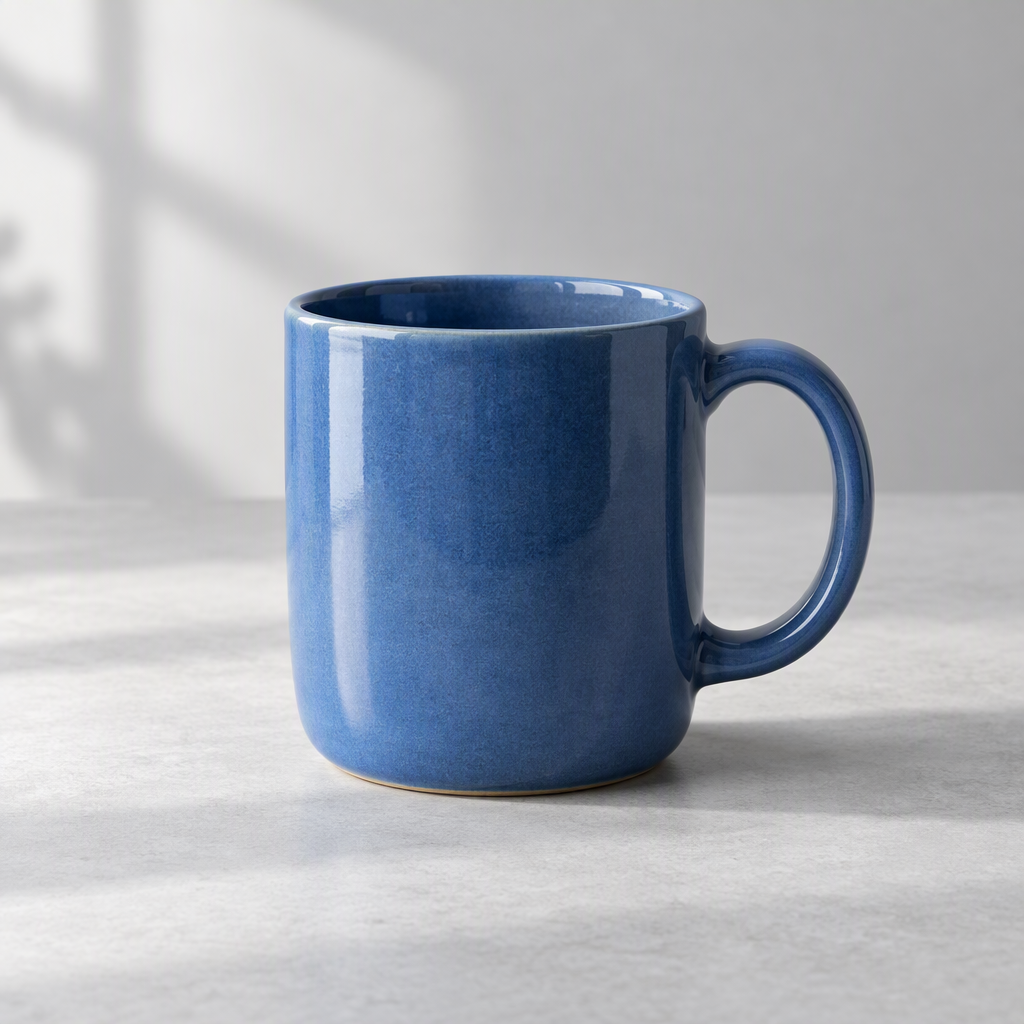
Blue ceramic mug
Image
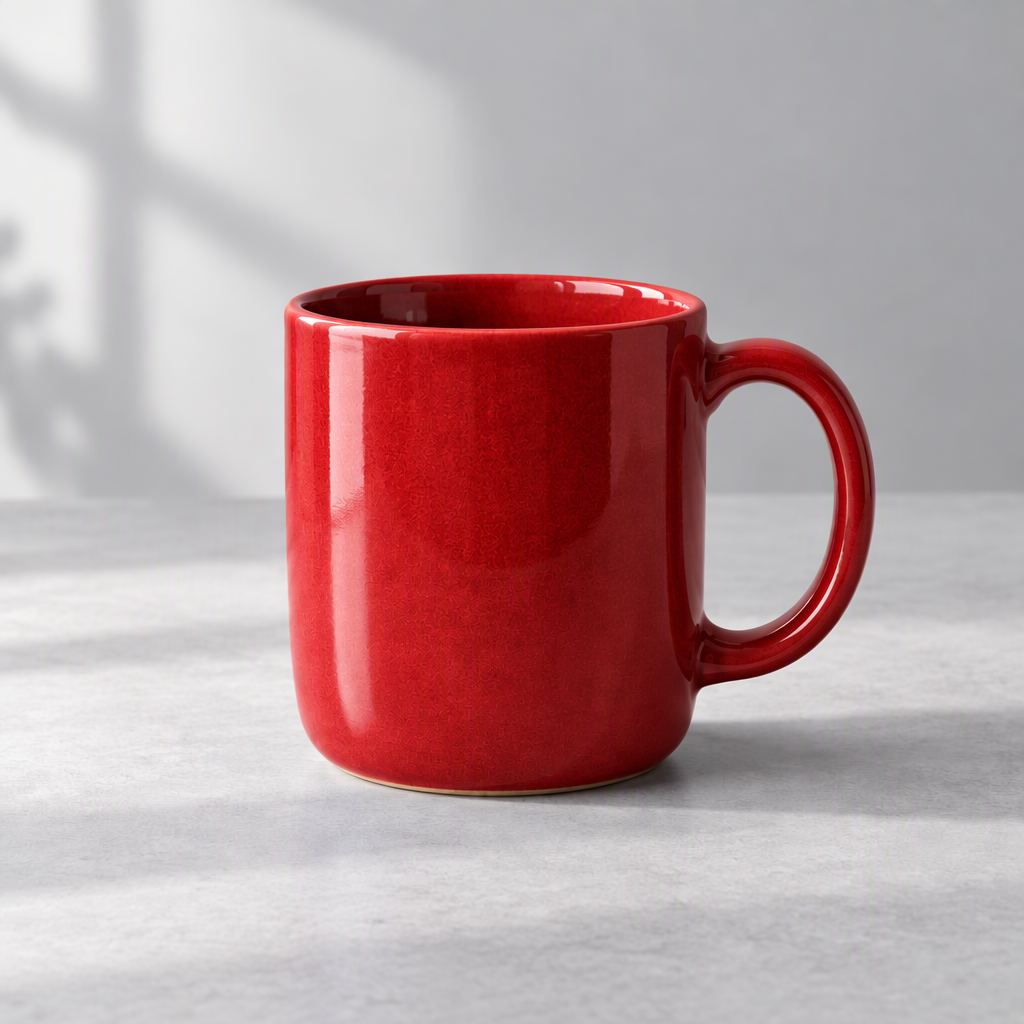
Red mug edit
Image
Slow camera push-in
Video
Continue creating
Project workflowCreate product visuals and short clips for paid social and landing pages.
Generate variations across models before scaling production.
Keep client references, outputs, and selected exports in one board.
AI Background Remover helps you create images or videos from prompts and references, then continue working in a saved project.
Select an image on the canvas to edit it or use it as a reference for image-to-video generation.
Your generated results stay in your project alongside prompts and references.