50,000+ Movie Creator Used Daily
Cinematic-Grade AI Video Generator for Filmmakers
Turn Your Images or text into Cinematic Quality Video. Unlock the power of PixShot AI with AI Video Generator. Create Film Quality Video in Easy Way.
00:00:00:00
SCENE 01
Public Gallery
🎬
NO GALLERY ITEMS YET. BE THE FIRST TO CREATE!
How to Use PixShot AI Video Generator in 3 Simple Steps
01
INPUT
Write your video prompt below. From simple ideas to detailed scripts, our AI turns text into film-like videos.
02
GENERATE
Our AI transforms your text to video in seconds. Watch as your words become movie, film-quality visuals.
03
DOWNLOAD
Download your video in high resolution. Ready to share, edit, or use in your creative projects.
What AI Models You can use In PixShot AI
SORA 2
Ultra-realistic video with lifelike characters and sound
TEXT TO VIDEO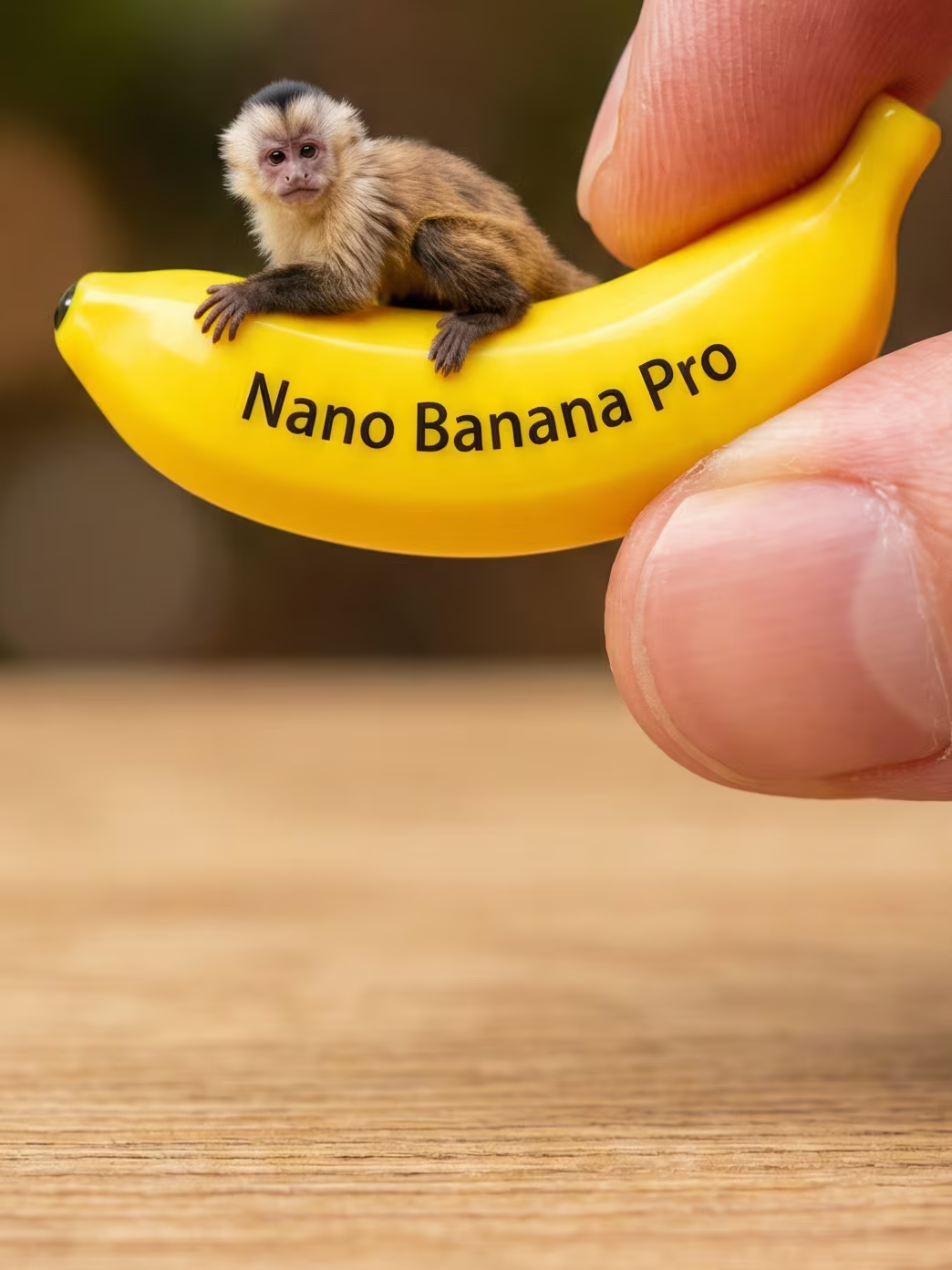
NANO BANANA PRO
Google's 4K AI image generator with accurate text rendering and character consistency
IMAGE GENERATIONKLING 3.0
Natural motion with depth, realism and clarity
IMAGE TO VIDEO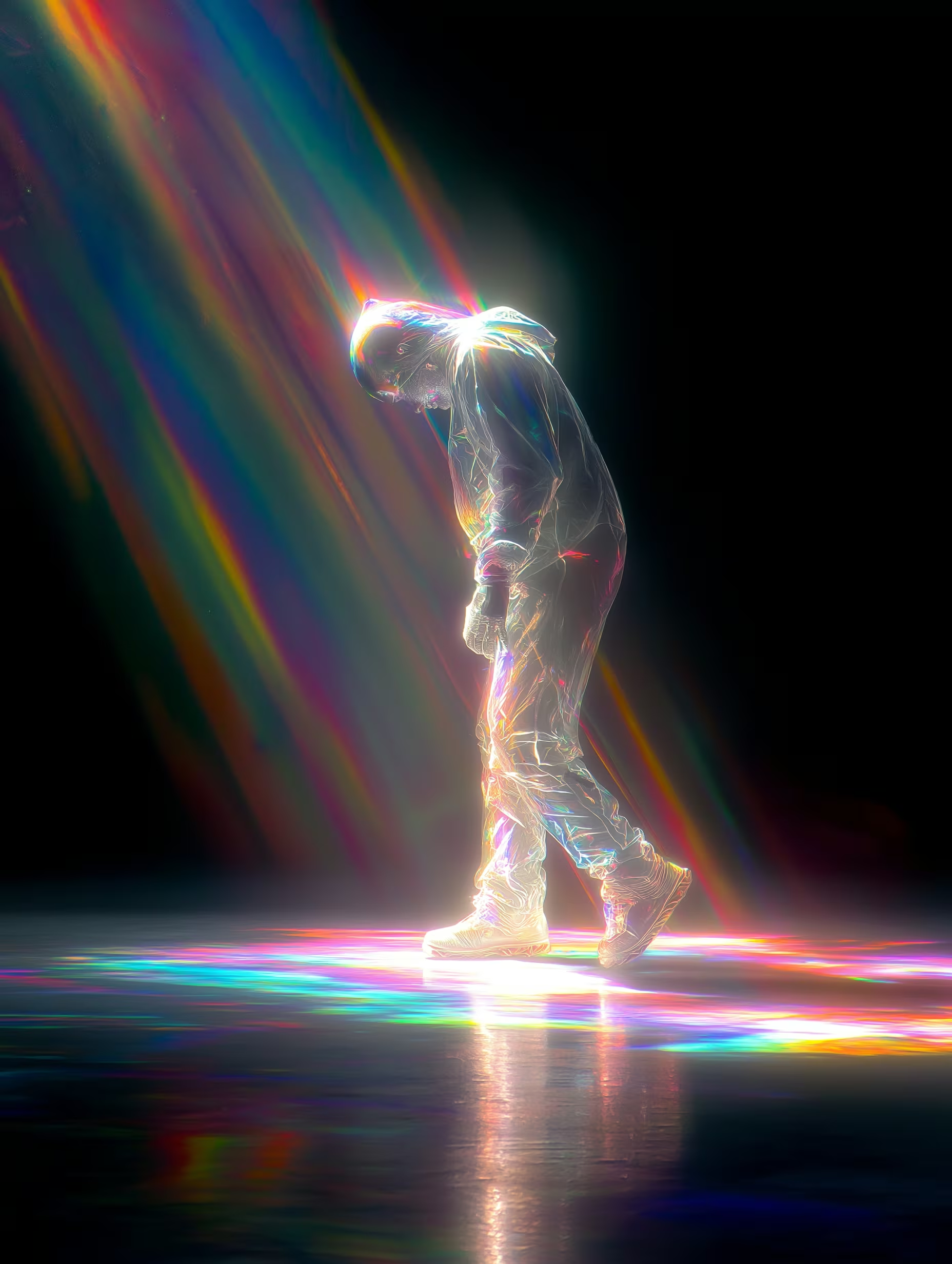
SEEDREAM 4.0
Seamless image blending and precise editing
IMAGE EDITINGRUNWAY
Professional-grade video generation and editing
TEXT TO VIDEODiscover Who Uses PixShot AI to Transform Creations
MOVIE CREATORS
Create viral videos effortlessly from a single image or text prompt in minutes.
Instantly turn your ideas into share-worthy video that will capture attention on any platform.
10X FASTER VIDEO CREATIONSOCIAL MEDIA INFLUENCERS
Transform trending ideas into eye-catching short videos for TikTok, Reels, and Shorts.
Quickly capture the latest trends with high-quality, engaging videos that keep your followers hooked.
3X MORE ENGAGEMENTFILMMAKERS & DIRECTORS
Visualize your storyboards and create cinematic pre-visualizations before shooting.
Plan your scenes with stunning visuals that showcase your vision, saving time and aligning your team.
80% TIME SAVED ON PRE-PRODUCTIONMARKETING TEAMS
Generate impactful video ads and promotional content at scale—without expensive shoots.
Create professional-quality marketing videos in minutes to drive sales and amplify your brand.
5X MORE VIDEO OUTPUTGAME DEVELOPERS
Bring your game's narrative to life with cutscenes, trailers, and concept videos from artwork.
Easily create cinematic trailers that showcase the world and story of your game in stunning detail.
RAPID PROTOTYPINGEDUCATORS & TRAINERS
Transform lessons, tutorials, and educational paper into engaging visual stories.
Make learning more captivating by turning dry material into vibrant, interactive video.
2X STUDENT ENGAGEMENTARTISTS & ILLUSTRATORS
Bring your artwork to life with cinematic motion, effects, and storytelling.
Turn static illustrations into dynamic visual experiences that convey emotion and depth.
UNLOCK NEW REVENUE STREAMSAGENCIES & STUDIOS
Scale video production without scaling costs, thanks to seamless API integration.
Empower your team to produce high-quality videos quickly, meeting client demands without the overhead.
ENTERPRISE-READY APIWhy Choose PixShot AI Video Generator
∞
Endless Creative Styles
With advanced AI features, you can experiment with endless creative styles, effects, and scenes, giving your videos a unique, personalized touch that stands out.
KODAK 5219 500T · FR:064-068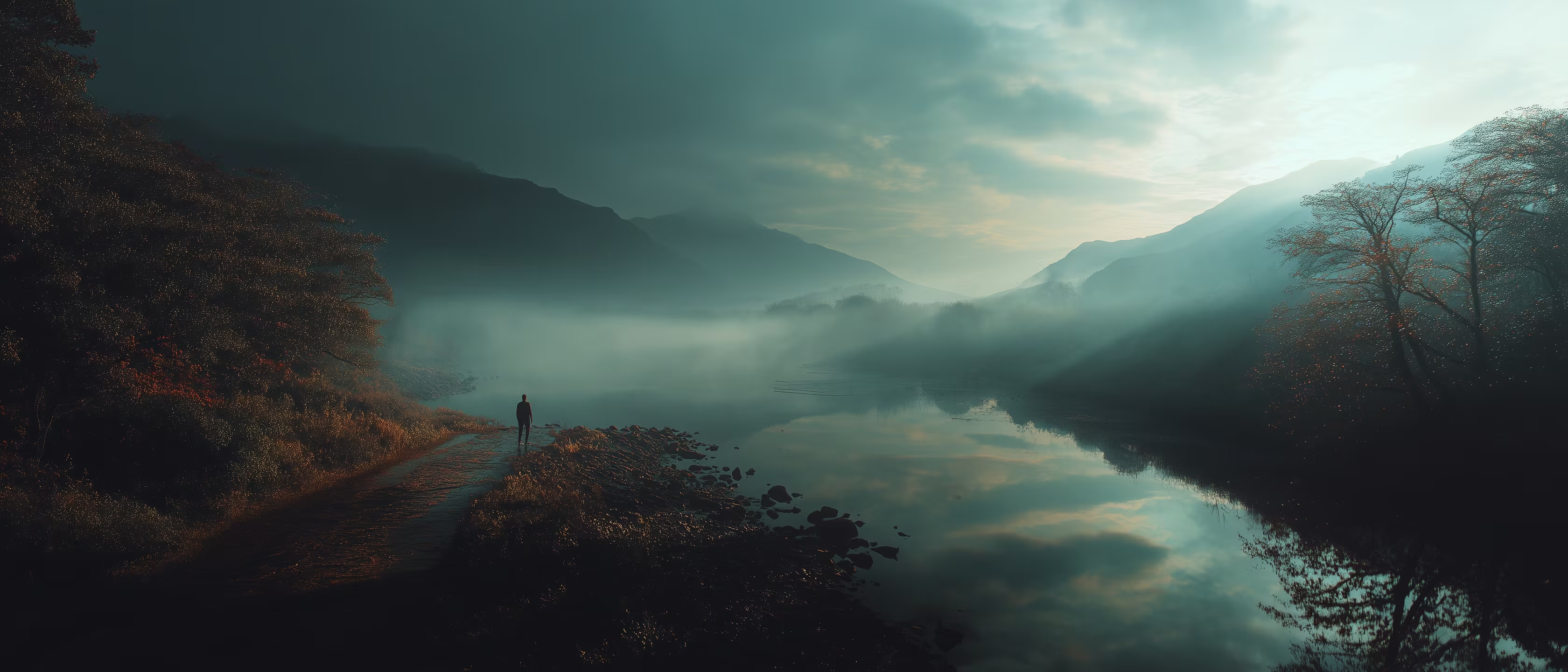
4K
Film-Grade Visual Effects
Transform your videos into cinematic masterpieces with AI-powered visual effects, color grading, and camera angles. Every frame looks like it was shot by a professional.
KODAK 5219 500T · FR:054-058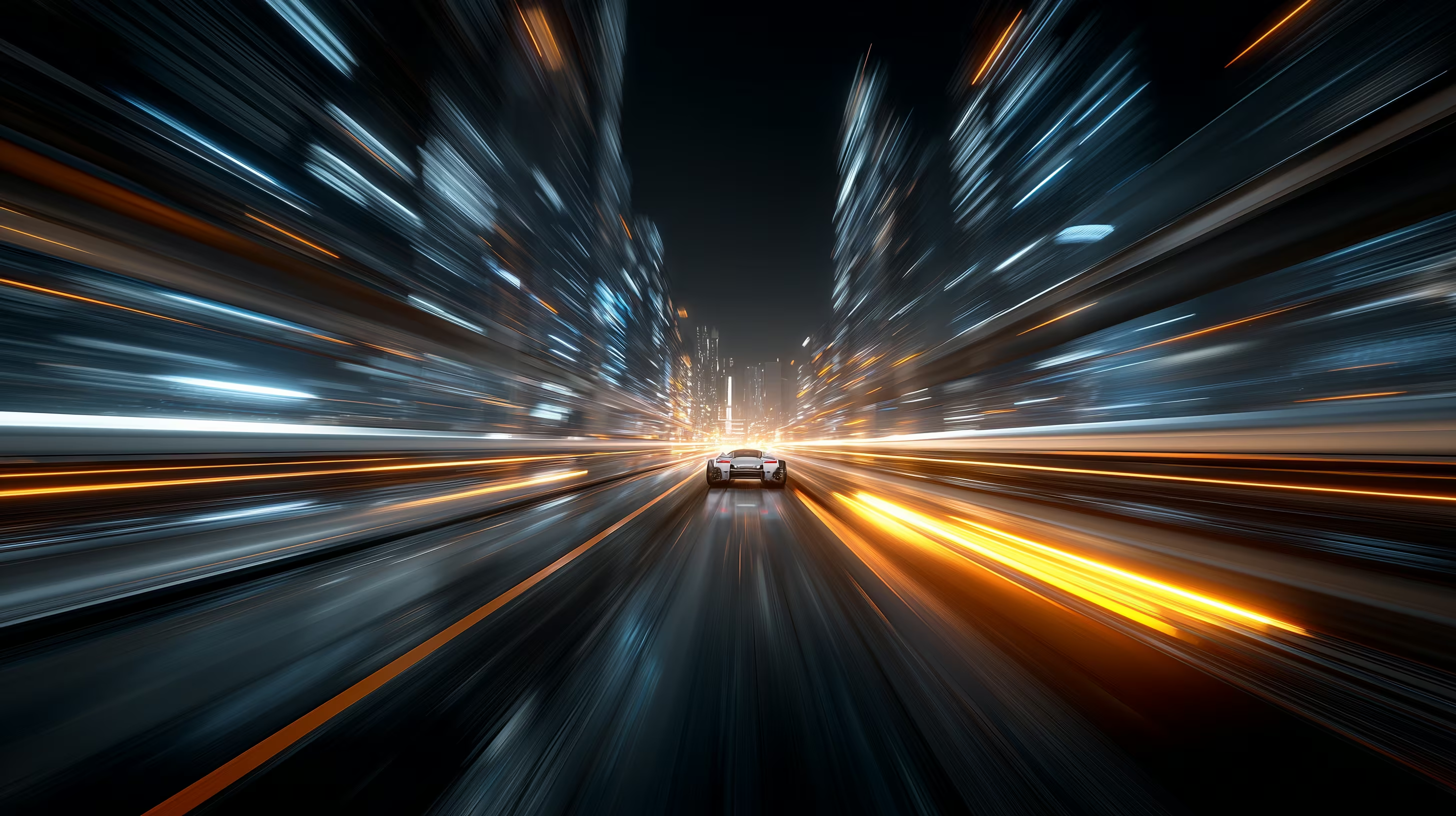
10x
Faster Than Traditional
Continuous generation allows you to stay focused on your work while videos are created in the background. Receive real-time notifications when each task is completed.
KODAK 5219 500T · FR:059-063
1
One Platform, All Tools
Enjoy a seamless, intuitive interface that simplifies video creation, enabling you to focus on what matters most—your content. Everything you need in one place.
KODAK 5219 500T · FR:069-073Born from a Creator's Real Frustration
CHAPTER 01
THE CHAOS
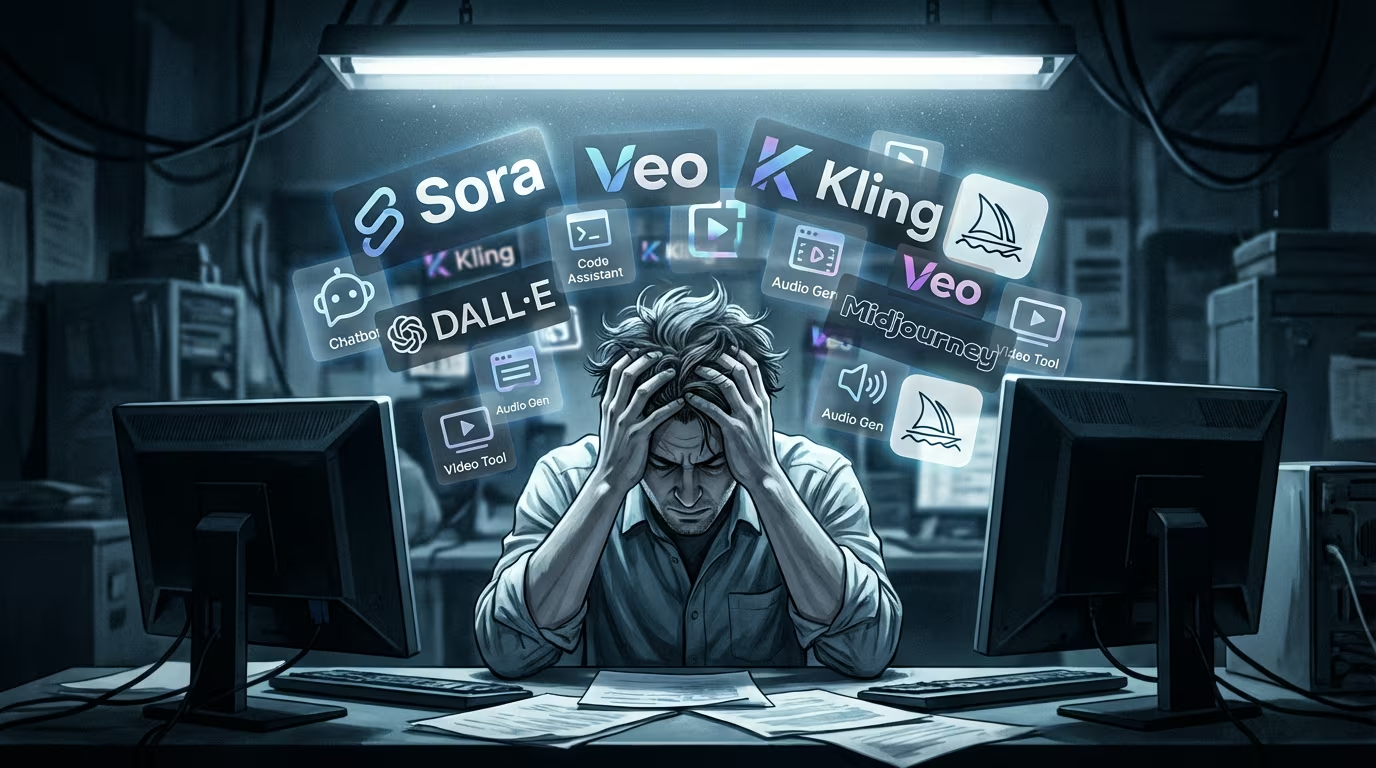
As an AI filmmaker, I spent hours switching between platforms, comparing outputs, and losing track of my assets. Multiple AI subscriptions, countless browser tabs, results scattered across folders.
CHAPTER 02
THE SOLUTION
PixShot AI was built to solve my own chaos. One unified workspace for all AI models—Sora, Veo, Kling, and more. No more platform-hopping, no more lost work.
CHAPTER 03
THE VISION
A complete AI movie creator's workspace. Every tool you need, every model you want, all in one cinema-grade platform designed by filmmakers, for filmmakers.
"
I built the tool I desperately needed. Now I want every AI creator to feel that same relief.
Frequently Asked
Q.01What video formats and resolutions are supported?+
We support all major formats including MP4, MOV, and ProRes. Output resolutions range from 720p to 4K UHD. For professional workflows, we offer ProRes 422 and ProRes 4444 exports with proper color space management (Rec.709, DCI-P3, and Rec.2020).
→ SEE FULL SPECS IN DOCS
Q.02Can I use generated content commercially?+
Yes! All content generated with our tools is fully licensed for commercial use, including feature films, commercials, and streaming content. Pro and Enterprise plans include unlimited commercial licensing with no additional fees.
→ VIEW LICENSE TERMS
Q.03How does the credit system work?+
Credits are used based on the complexity and duration of your generation. A standard image costs 1 credit, while video generation starts at 5 credits. Pro subscribers get 500 credits monthly, and Enterprise plans offer unlimited generation.
→ VIEW PRICING
Q.04Is there an API for pipeline integration?+
Yes, we offer a robust REST API for Enterprise customers. Our API supports all generation features plus batch processing, webhooks, and direct integration with DaVinci Resolve, Nuke, and After Effects through our plugins.
→ API DOCUMENTATION